Prerequisites
Before you can configure and use Claude Code with Connect AI, you must first do the following:- Connect a data source to your Connect AI account. See Sources for more information.
- (Basic authentication only) Generate a Personal Access Token (PAT) on the Settings page. Copy this down, as it acts as your password during authentication.
Install Claude Code
1
Open PowerShell as an Administrator and run the following command:
2
Once the installation is done, try running:
npm list -g @anthropic-ai/claude-code in your terminal to confirm the installation. You should see something like this:3
Create a project named
Claude Code and open it in Visual Studio Code.Connect to Connect AI
OAuth Authentication
In the terminal of your project, run the following command:1
Start a session by typing
claude, then run the /mcp command.2
Select the
connectmcp server, then choose Authenticate. Claude Code opens your browser to the Connect AI sign-in page.3
Complete the sign-in. When you return to the terminal, the server status changes to connected.
Basic Authentication
In the terminal of your project, run the following command:Start a Claude Code Session
1
Type 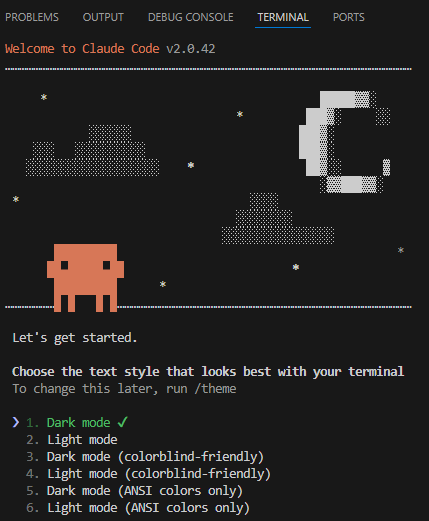
claude. A welcome screen appears:2
Choose a text style and login method. Claude Code opens the browser to log in to Claude.
3
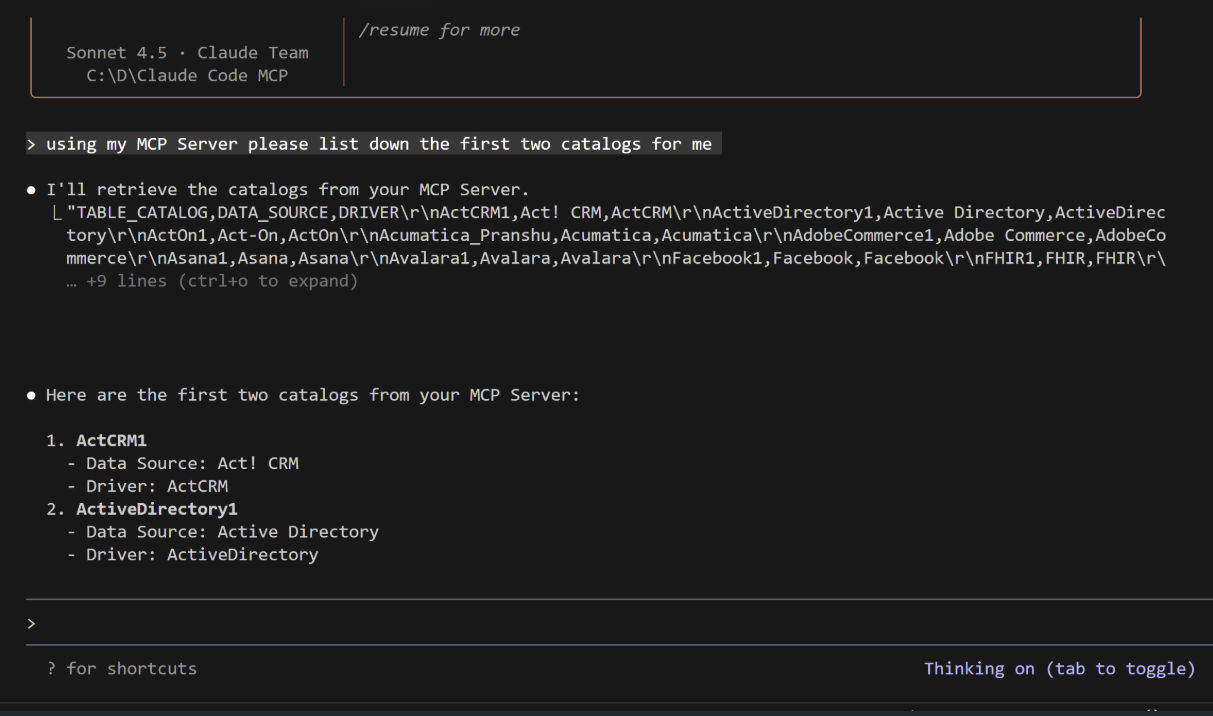
You can now interact with the MCP server: