Prerequisites
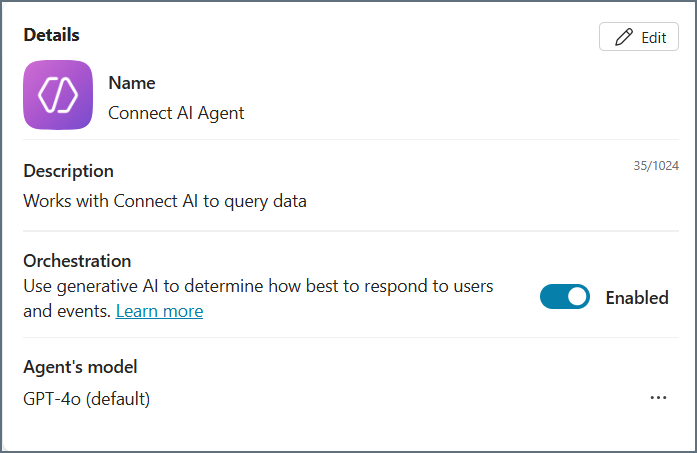
Make sure you have an Connect AI Embed account and are signed in.Create a Microsoft Copilot Studio Agent
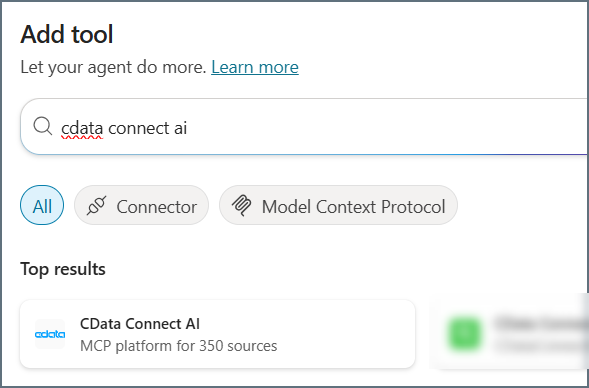
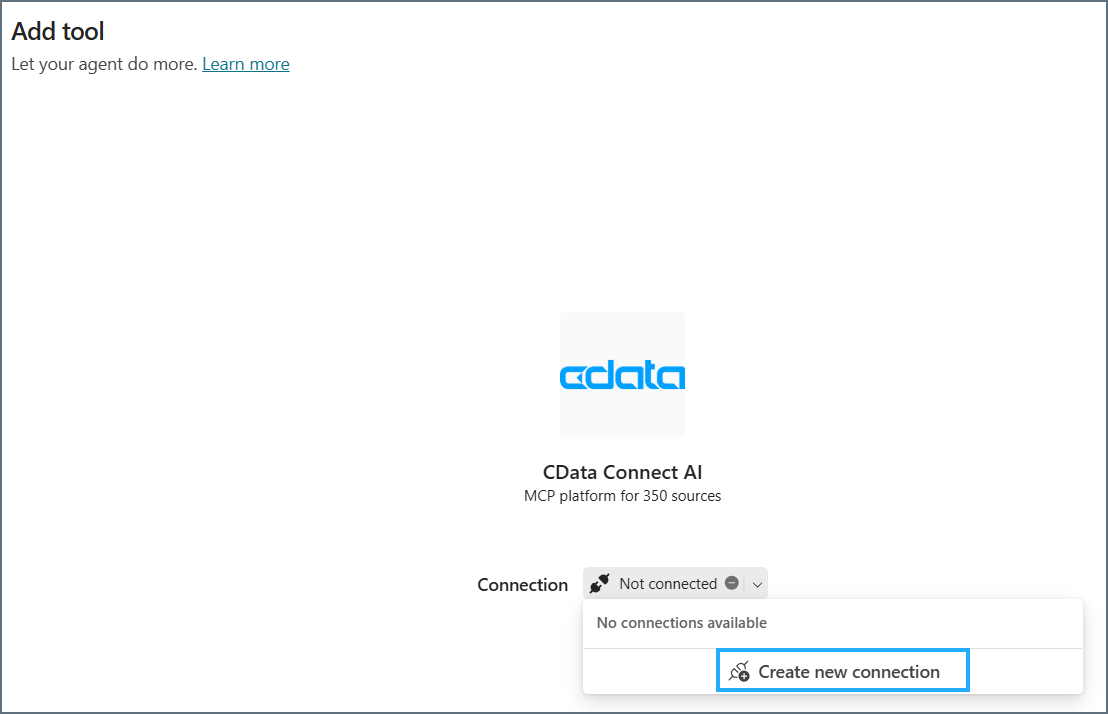
Add the CData Connect AI Tool to the Agent
Explore Live Data
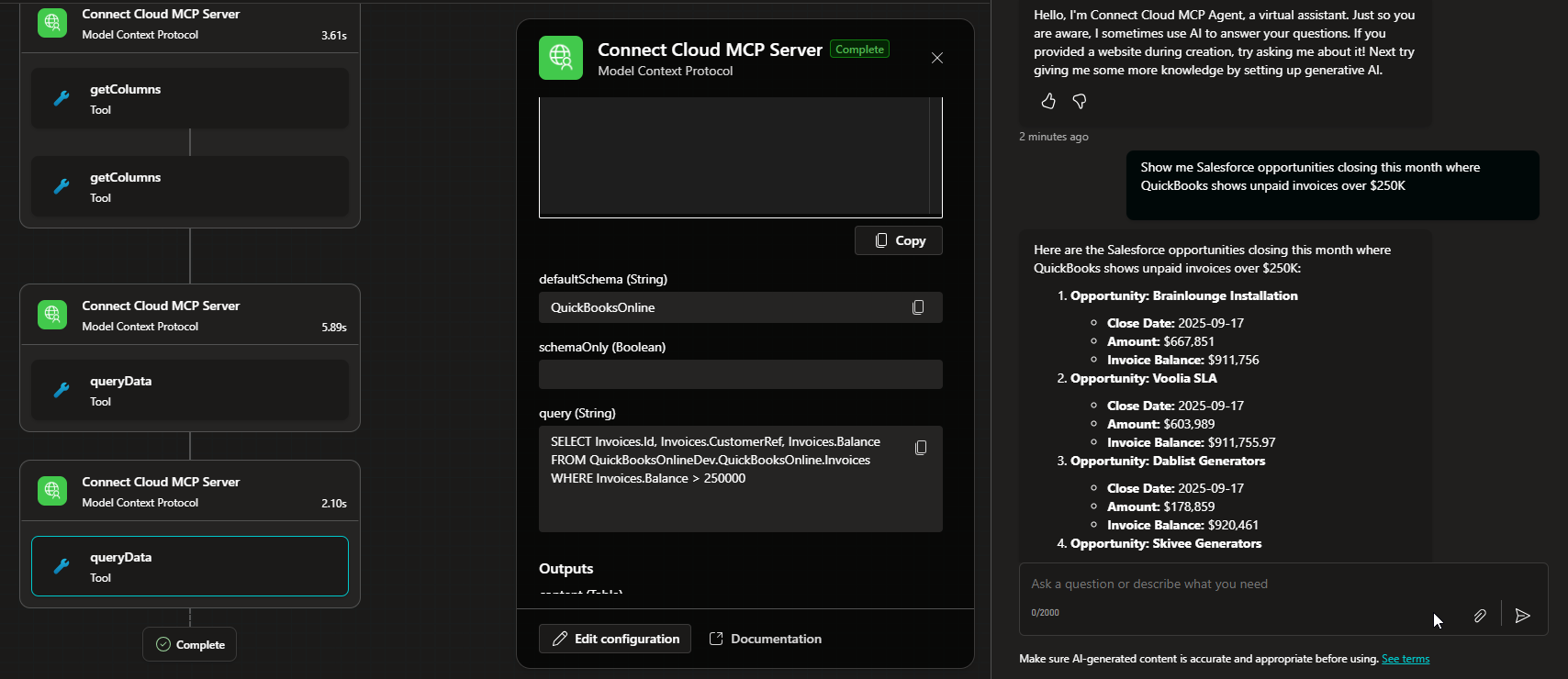
With the Agent created in Microsoft Copilot Studio and the MCP tool connected, you can now interact with your data. The MCP tool allows you to send queries and receive responses from the data source in real time. Open the chat window in your Microsoft Copilot Studio Agent to begin interacting with your data. You can ask questions, retrieve data, and perform actions on your data using the MCP tool.