Prerequisites
Before you connect, you must first do the following:- Connect a data source to your Connect AI account. See Sources for more information.
- Create a Virtual Schema. Later, you will use the OData Service URL on that page (https://cloud.cdata.com/api/odata/{virtual\_schema\_name}) with the relevant virtual schema name to establish the connection.
- Generate a Personal Access Token (PAT) on the Settings page. Copy this down, as it acts as your password during authentication.
Connect to Connect AI
To establish a connection from Zapier to Connect AI using the OData protocol, follow these steps.1
Log in to Zapier.
2
Click Create Zap.
3
In the dialog that appears, search for “Webhooks by Zapier”, and click the option underneath.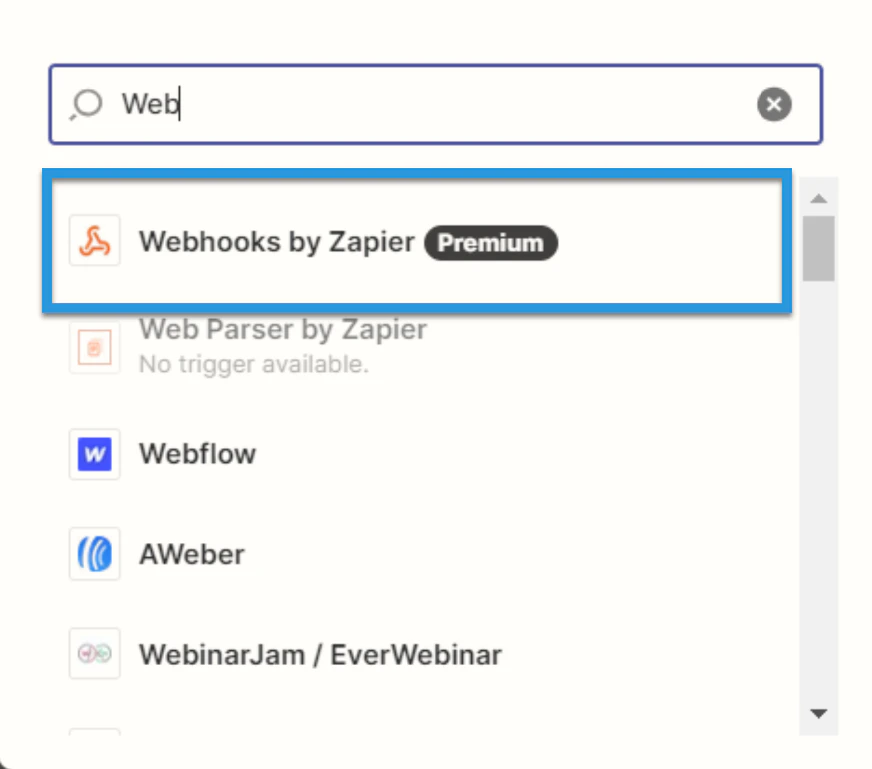
4
Under Event, select Retrieve Poll.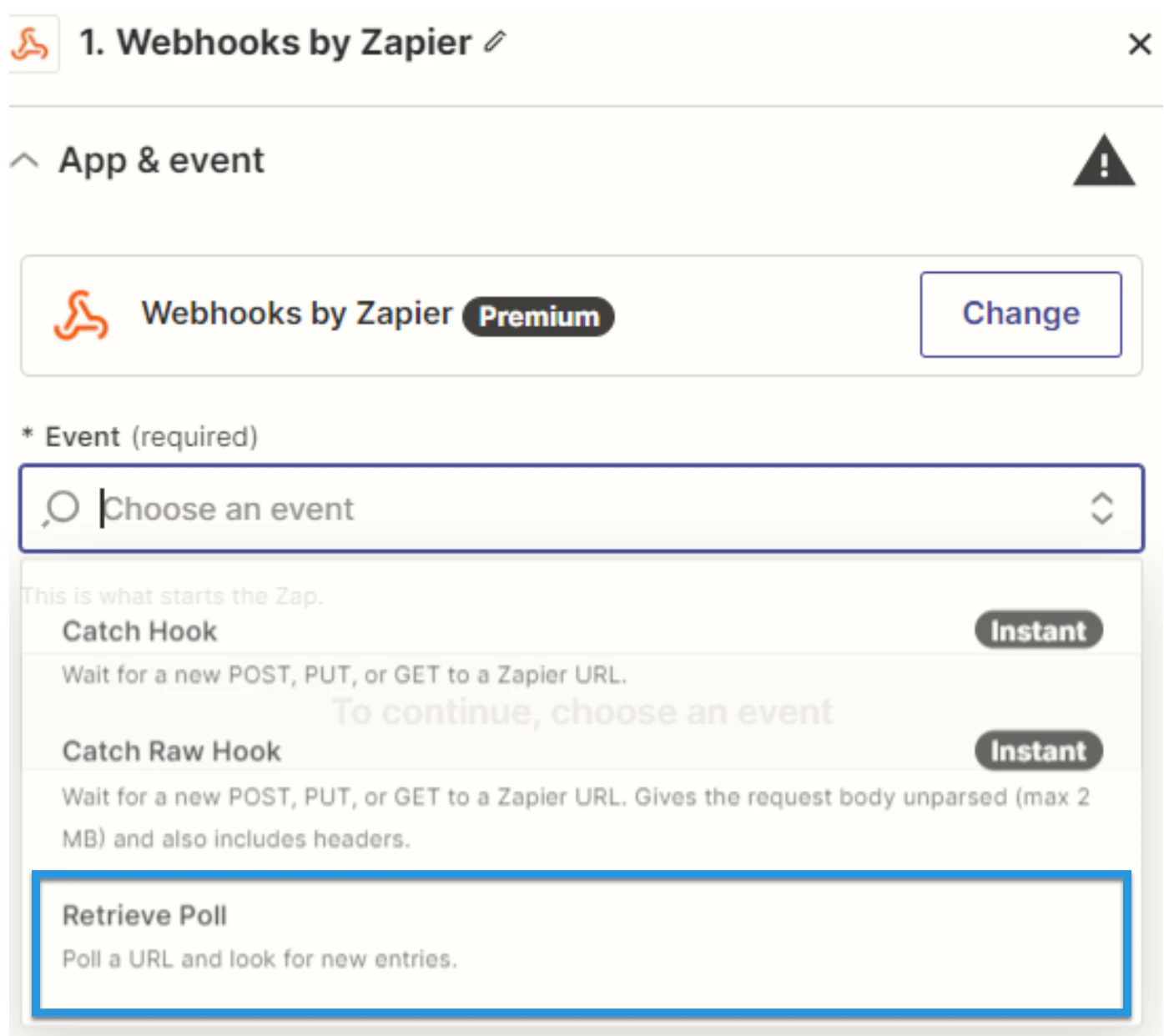
5
Fill in the connection details: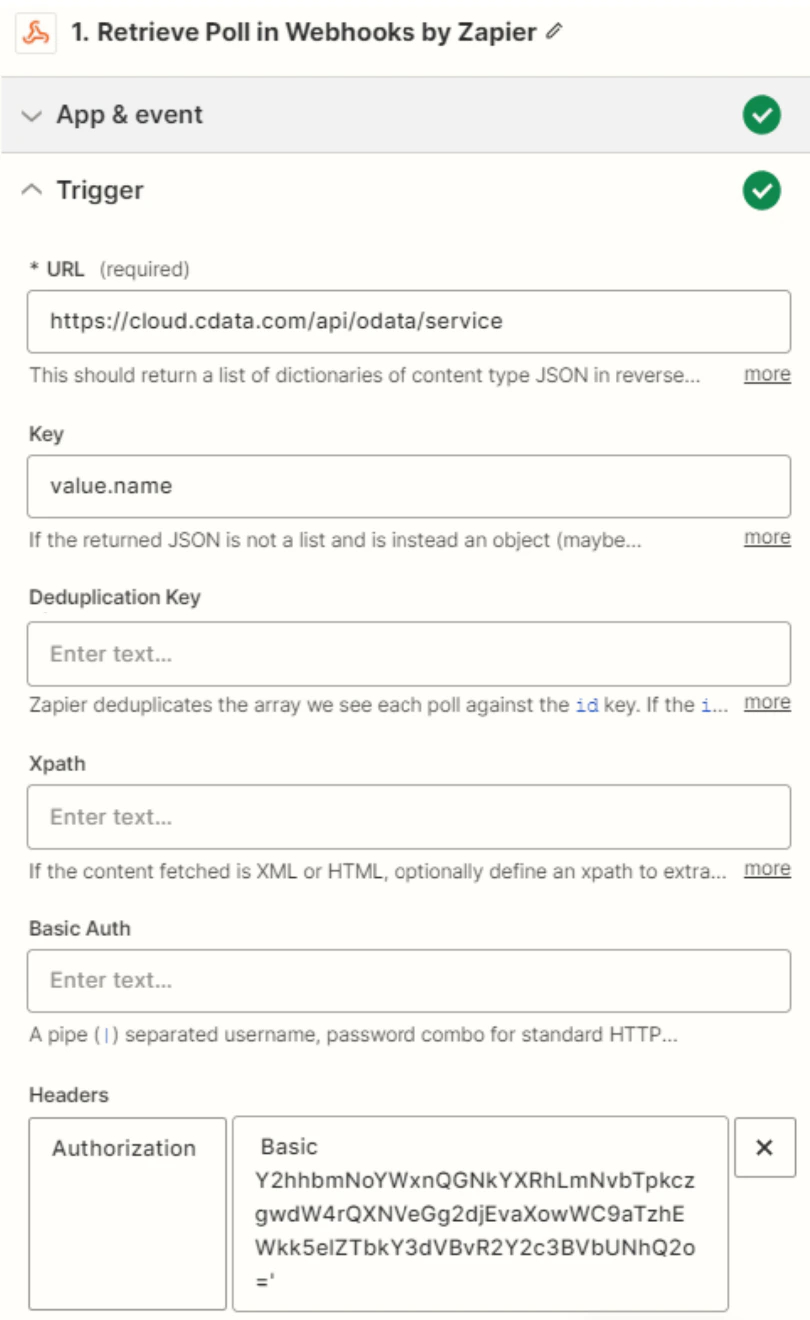
- URL: Enter the OData URL.
- Key: Enter “value.name”.
- Authentication details: Fill in Basic Auth or Headers. The basic option requires a user and password separated by a pipe (
|) symbol. The headers option requires a request type header with encoded credentials.
6
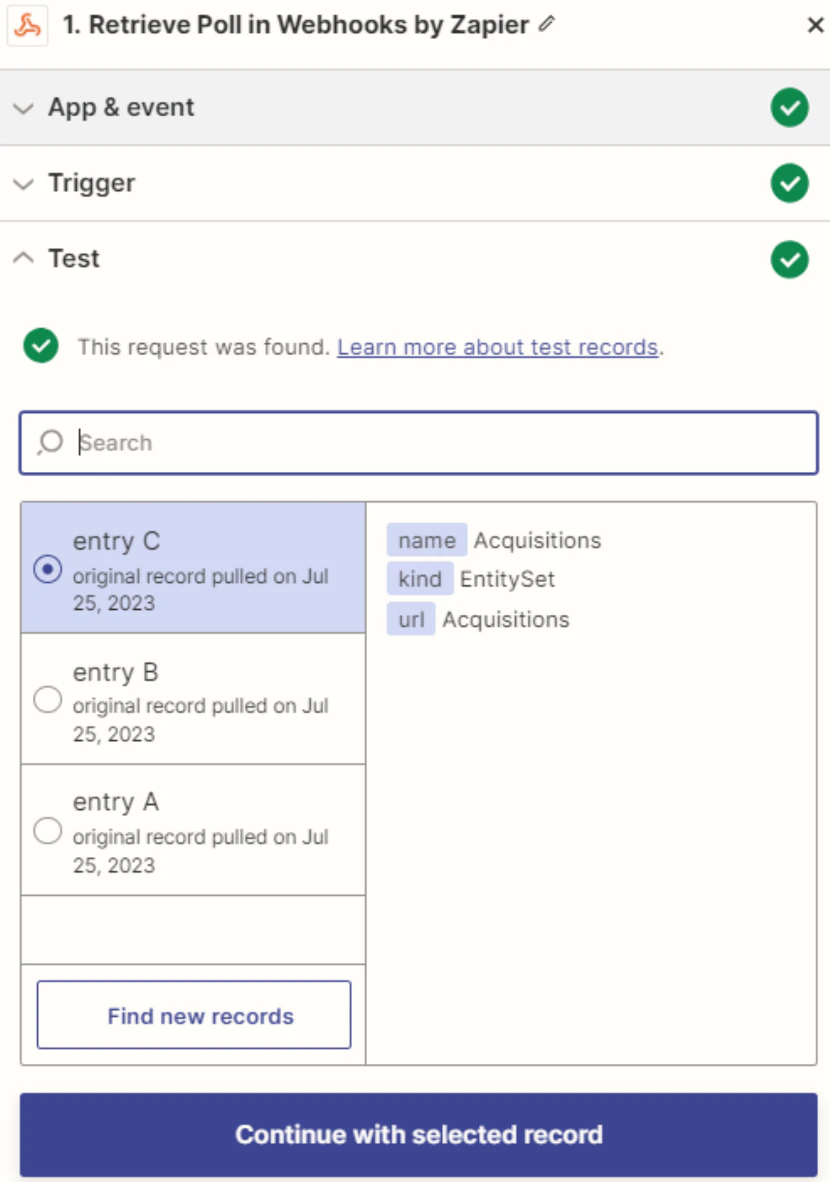
Click Test. If the connection is set up properly, sample records will appear.