Prerequisites
Before you connect, you must first do the following:- Connect a data source to your Connect AI account. See Sources for more information.
- Generate a Personal Access Token (PAT) on the Settings page. Copy this down, as it acts as your password during authentication.
Connect to Connect AI with Axios
1
Create a project directory, for example,
connect_cloud.2
Open the terminal in the project directory and initialize a node project as follows:
3
Install the Axios dependency in the project with the following command:
4
In your project directory, create a file called
server.js that contains the following code. Provide your Connect AI username and pat (the PAT you created in the prerequisites). You must also provide a query for your data, such as SELECT * FROM Snowflake1.PUBLIC.Accounts.5
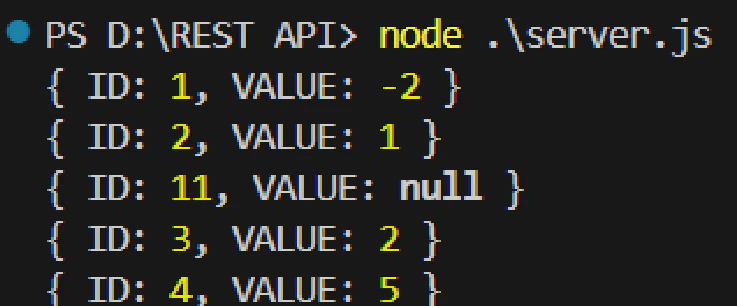
In the terminal, execute the following command to run the server:The query results appear.